Please only send configurations that are not on the website. Indicate the version of the Google camera mod for which the configuration was made (preferably with a link to the version of the mod, which is located on this site). Please indicate the author of the configuration if it was not created by you! Do not post links leading to third-party resources!
How to upload a config
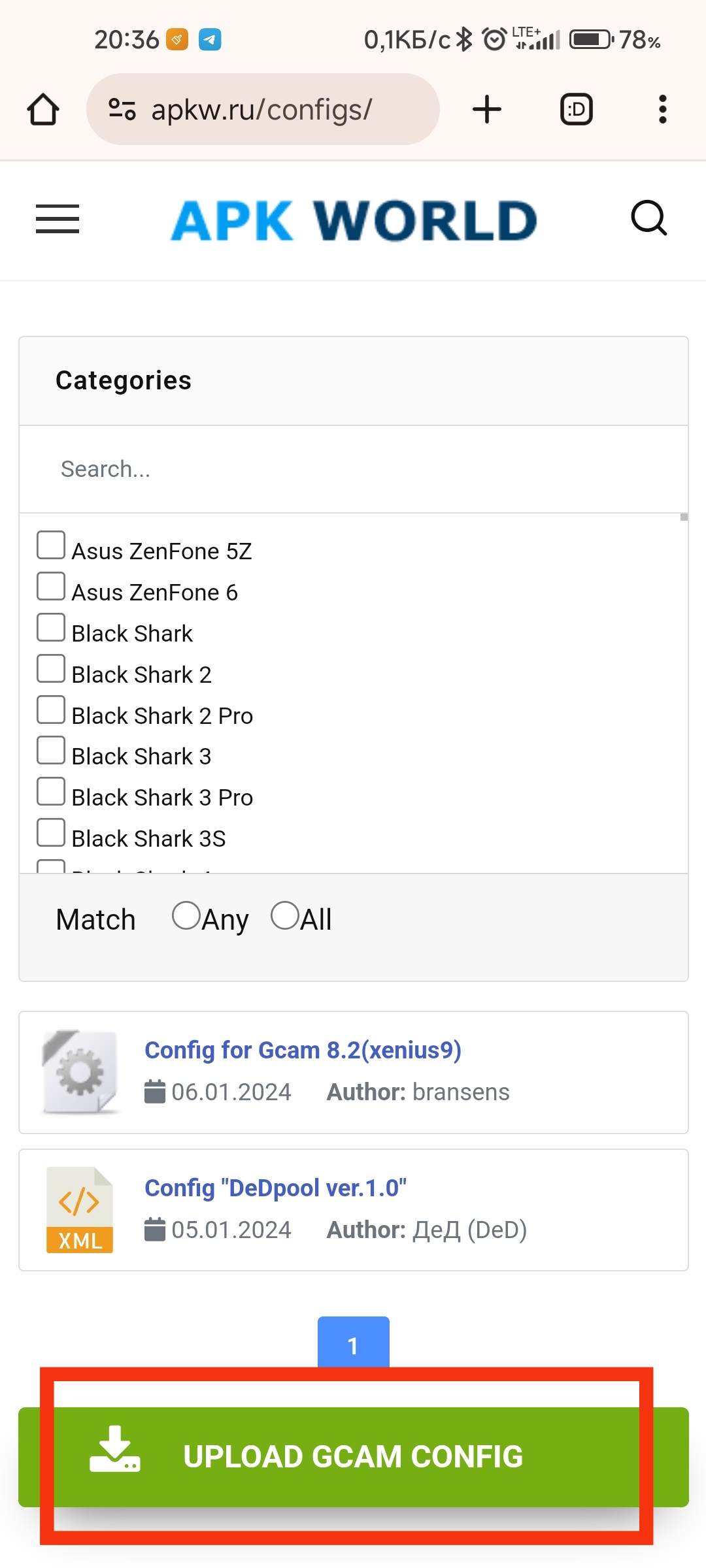
Select “Upload GCam Config” from main menu

or from main page
Log in to your account on the site, or register if you don’t have an account yet.
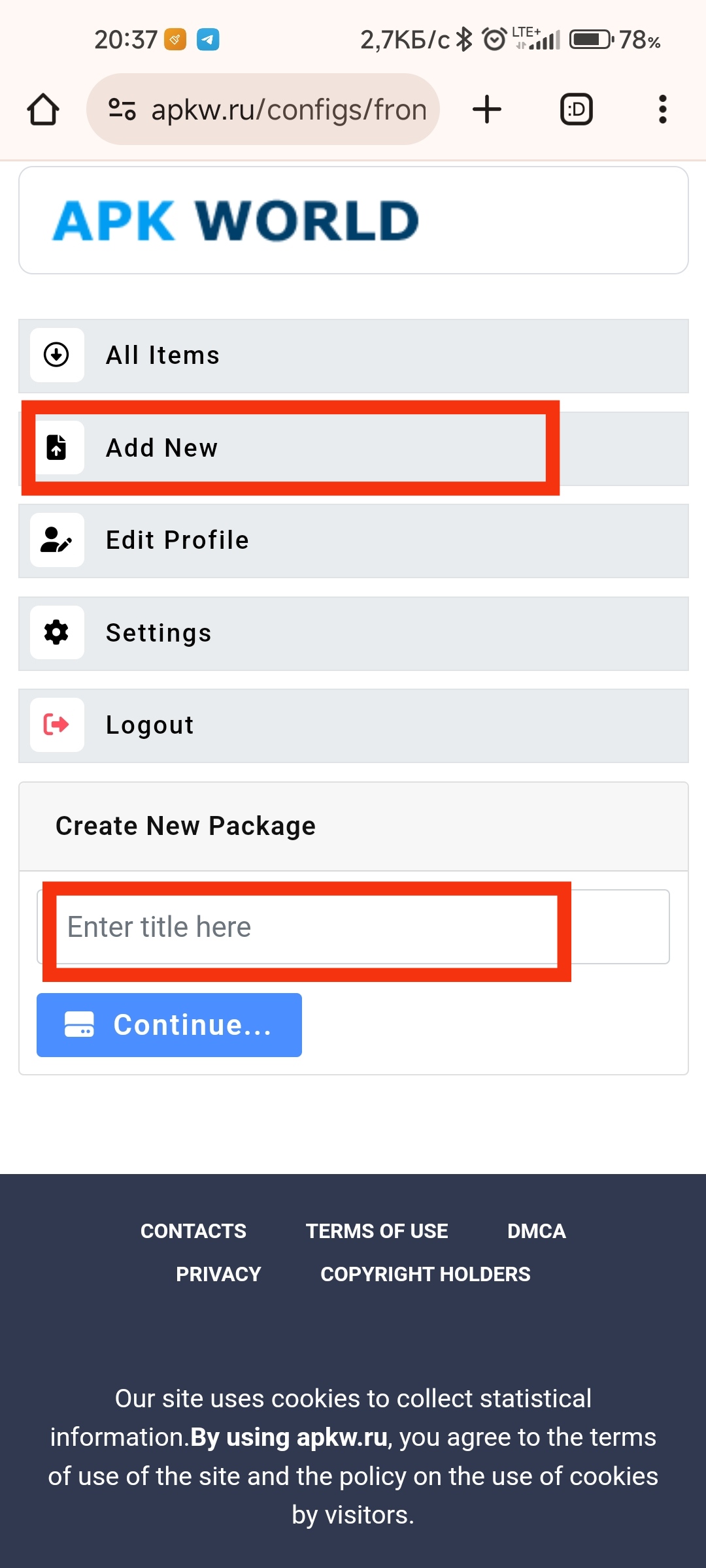
Select “Add New” and enter the name of the config. Then click/tap “Continue”.
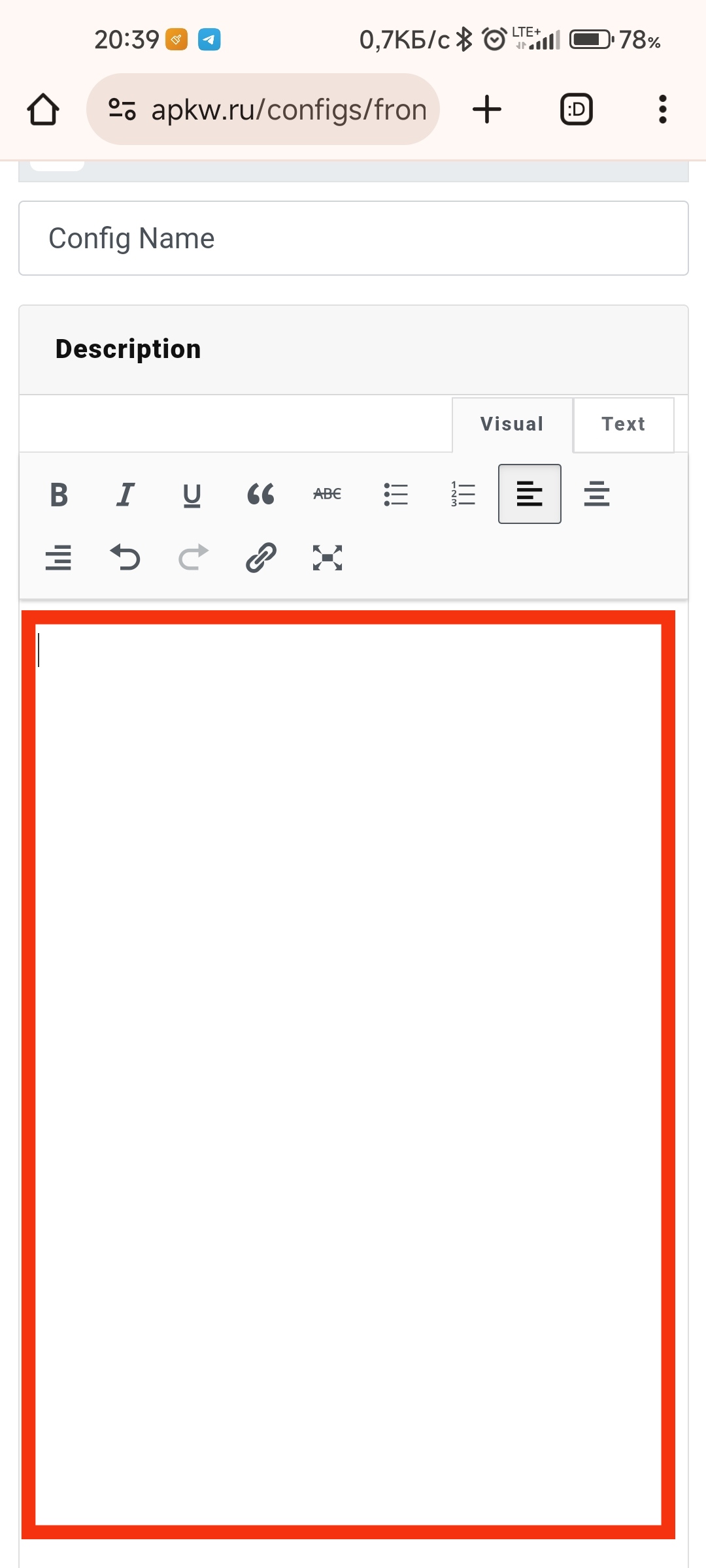
It is advisable to add a description of the configuration and a list of changes.
Add a configuration description
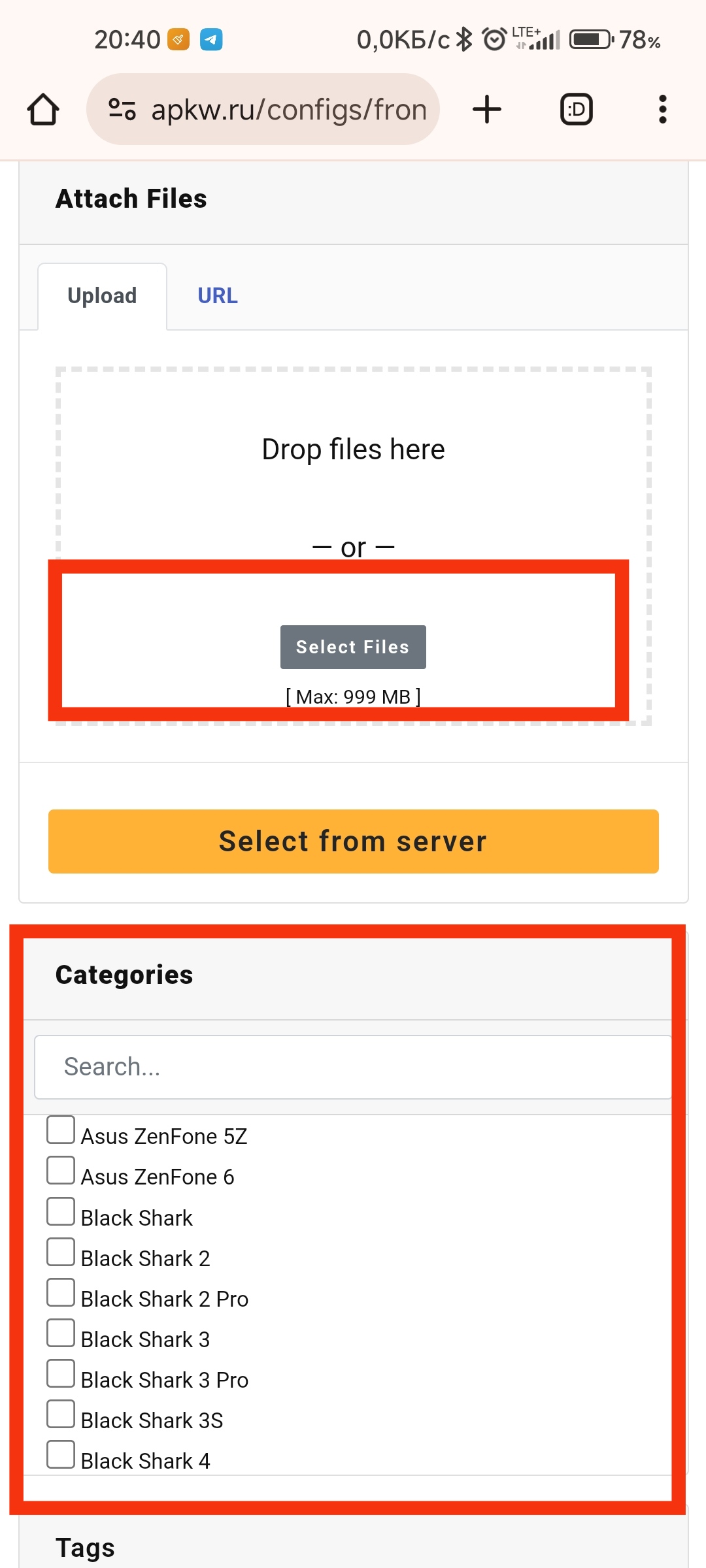
Select the file on your device and upload it to the site. Specify the phone model for which the config is intended.
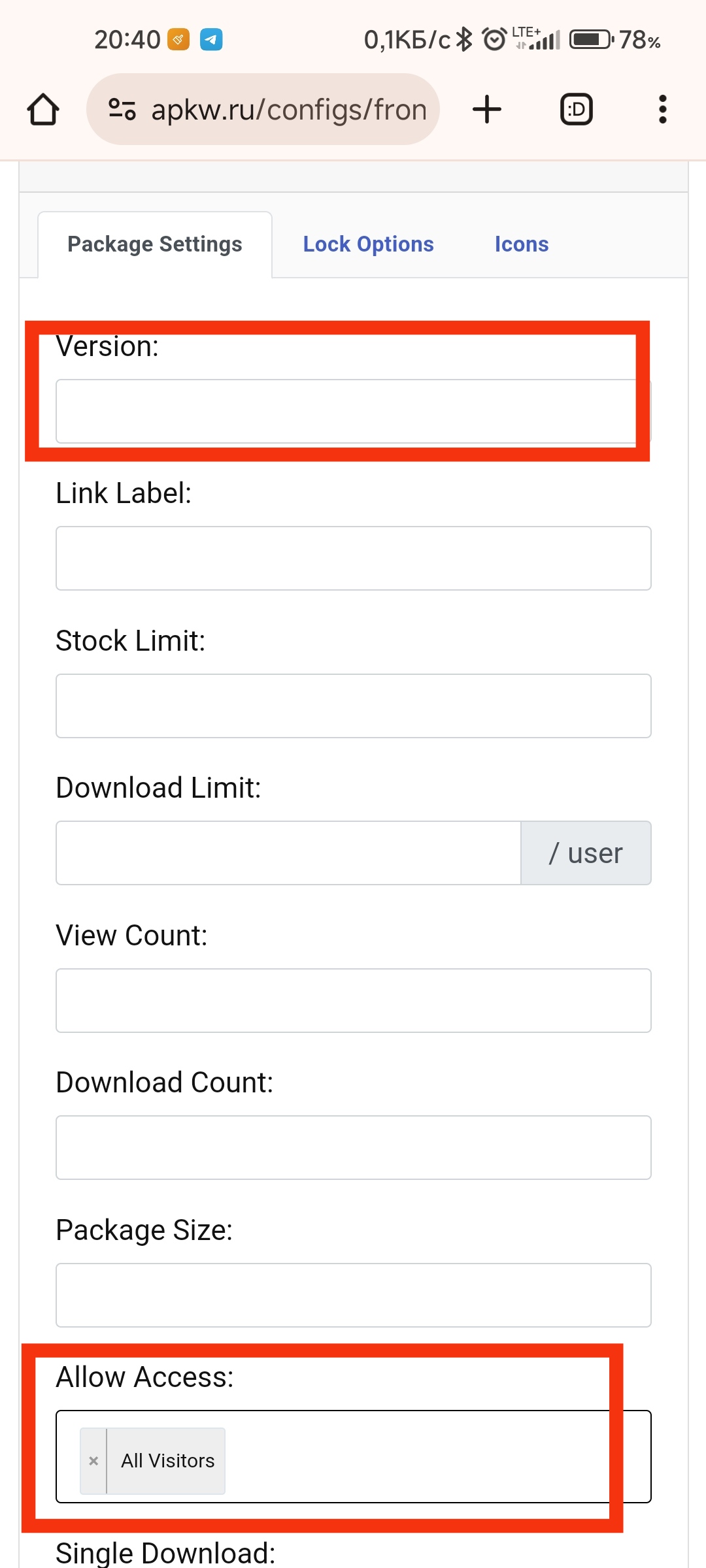
You can add the configuration version in the corresponding field
To give other users access to download your configuration, in the “Allow Access:” field, select “All Visitors”.
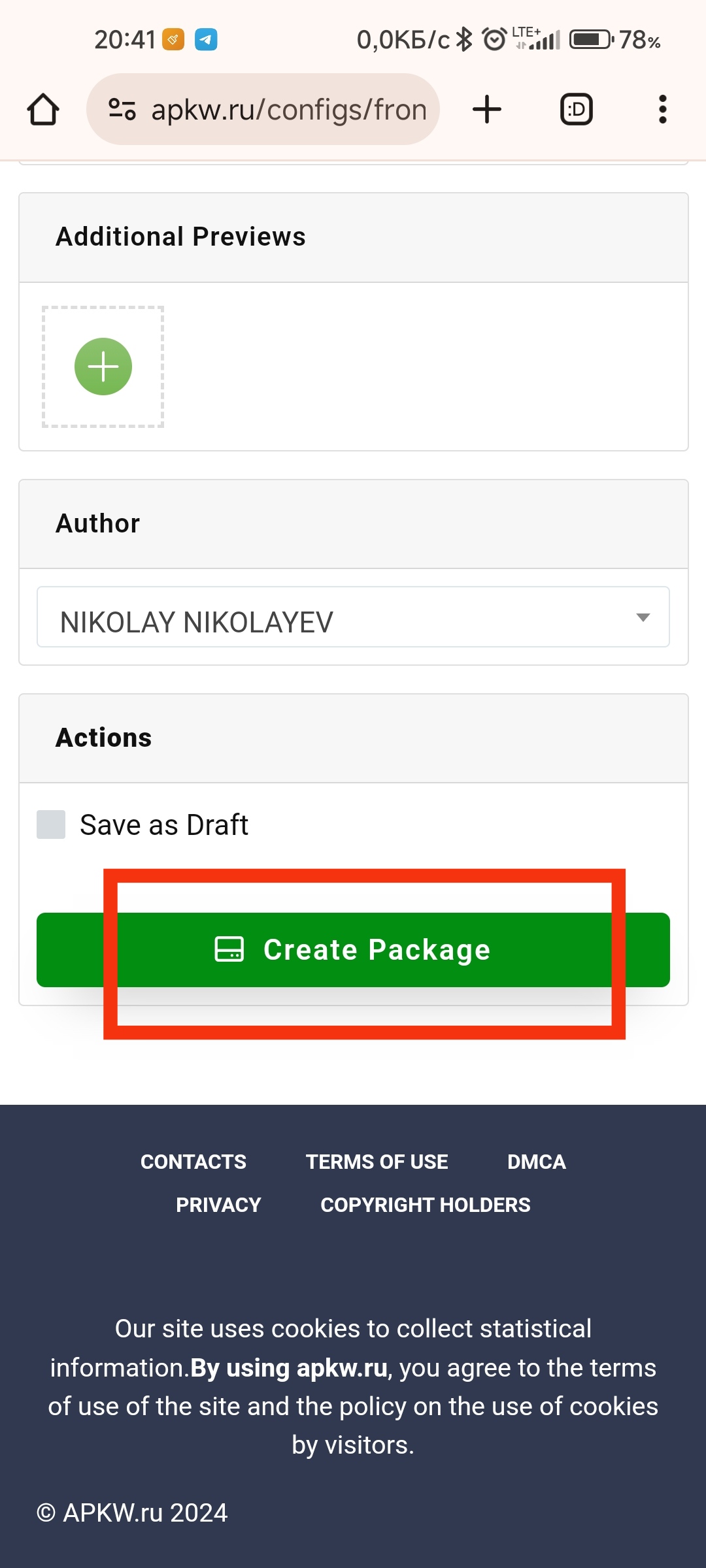
Tap “Create Package”